
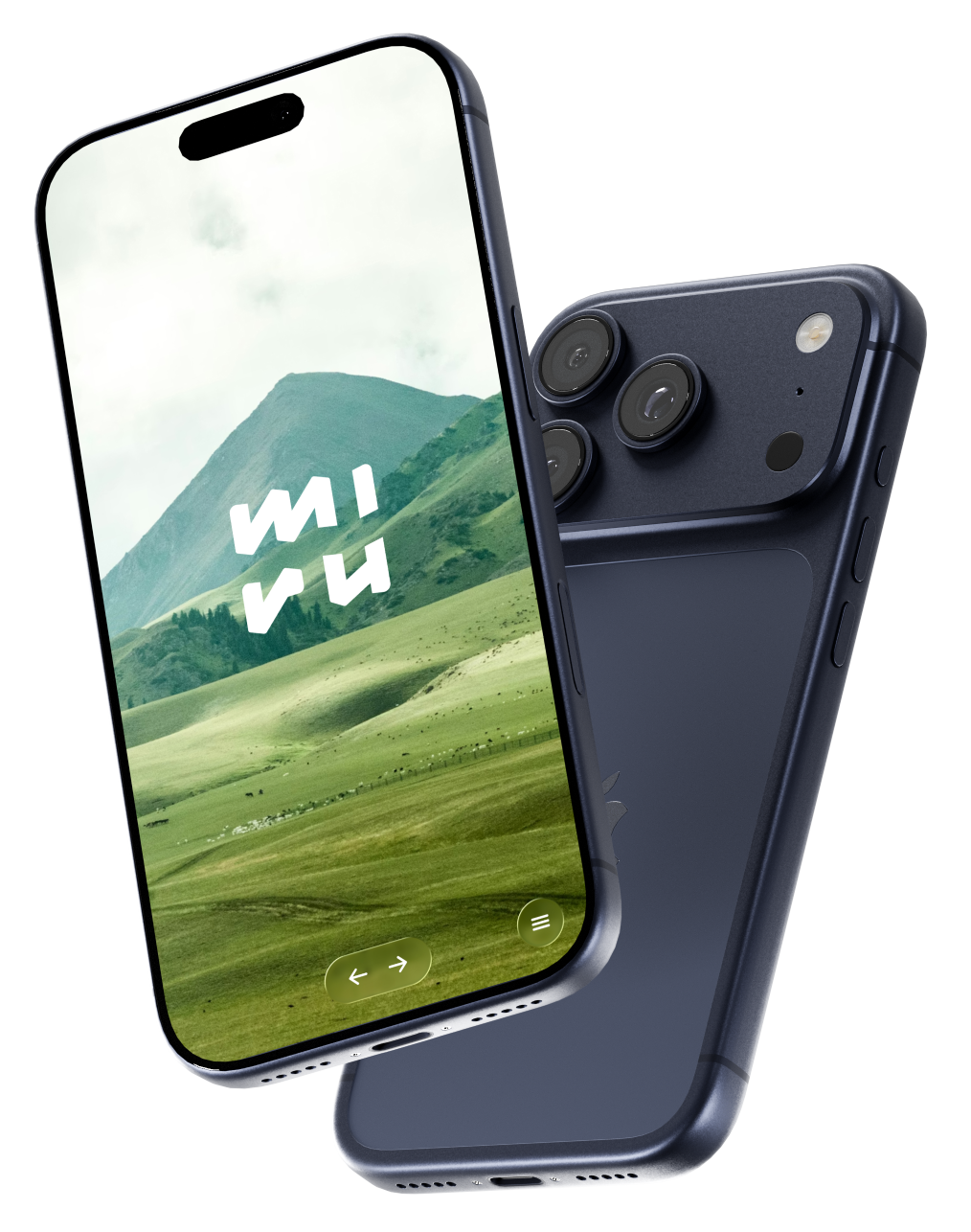
Miru app running on iPhone showing a serene mountain landscape

The distraction free web browser.

No search, no address bar, & no tabs.

Download on the App Store Coming Soon

Why should I use Miru?

Having a smartphone has become a necessary part modern existence, but carrying a portal to the entire internet in your pocket can be distracting.

You can delete your social media apps, you can set screen time limits, but if they remain a Google search away you will eventually fall victim to the temptation the algorithm.

Miru is a browser built to keep you from falling down the rabbit hole. Use it to scan a menu or complete a login flow, not to open Reddit for the 10th time today.

Why do you support a default site? Isn't that just a distraction?

Yes, it is, but Apple requires default browsers to support specific features for App Store approval.

This includes having some ability to navigate to the wider internet, the bare minimum requirement there is supporting a "curated lists of bookmarks".

We support a curated list of 1 bookmark, but you can hide that if you'd like.

How do I disable Safari?

You can disable Safari on an iPhone or iPad by using the built-in Screen Time settings.

This hides the app from your home screen and App Library, making it unavailable for use.

Go to Settings > Screen Time > Content & Privacy Restrictions > Allowed Apps & Features, and then toggle the switch to turn Safari off.

How do I set Miru as my default browser?

After installing Miru go to Settings > Apps > Default Apps > Browser App and select Miru from the list of installed browsers.

Why I don't see Miru in my default browser app settings?

Likely the app is not properly installed, search Miru on the App Store and install from there.

If it is installed, try removing it and re-installing.